
今天 Youlag 熱騰騰的更新,為 FreshRSS 帶來了新的分割視圖功能!
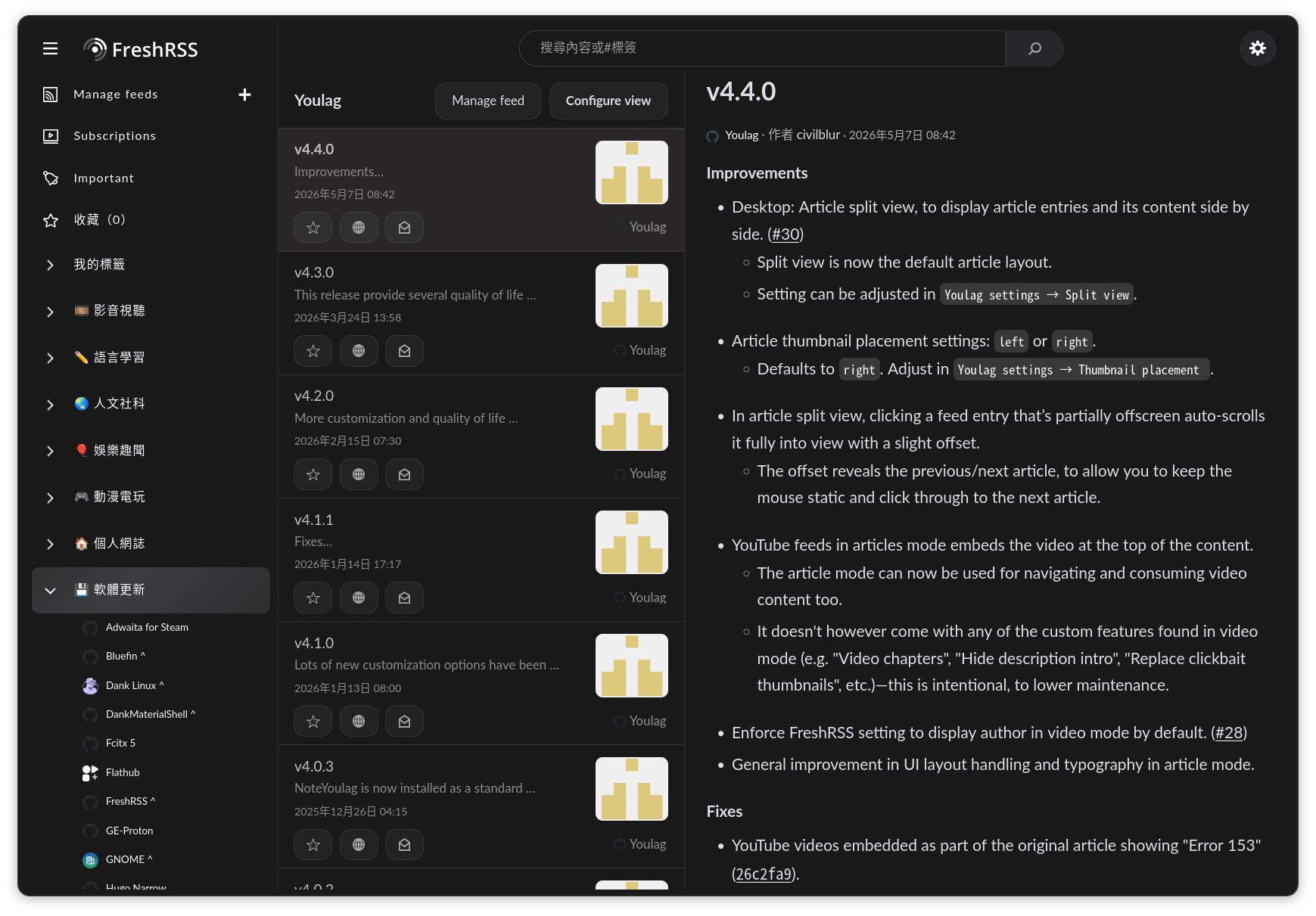
原本的單欄視圖在瀏覽文章時,不需要頻繁左右移動視線;這種分割視圖,則是切換文章比較方便,也更能從右側滾動條了解當前閱讀進度。算是各有千秋吧,有點難決定要用哪種視圖。
順便附上個人目前用的 CSS 調整:
CSS
/* 圖片圓角 */
.text img {
    border-radius: 18px !important;
}

/* 隱藏訂閱源錯誤提示 */
.category .title.error::before {
    display: none !important;
}

/* 放大 Ruby 字體 */
.text rt {
    font-size: 0.7rem !important;
}

/* 調整 Code 樣式 */
.text :is(li, p, th) code {
  background-color: #383838 !important;
  color: #FFFFFF !important;
  border: none !important;
  border-radius: 6px !important;
}

/* 增加標題列邊距 */
.content_thin.content header {
    margin: 14px 0 !important;
}

/* 列表標題粗體 */
.multiline.title.item-element {
    font-weight: bold !important;
}
/* 圖片圓角 */
.text img {
border-radius: 18px !important;
}
/* 隱藏訂閱源錯誤提示 */
.category .title.error::before {
display: none !important;
}
/* 放大 Ruby 字體 */
.text rt {
font-size: 0.7rem !important;
}
/* 調整 Code 樣式 */
.text :is(li, p, th) code {
background-color: #383838 !important;
color: #FFFFFF !important;
border: none !important;
border-radius: 6px !important;
}
/* 增加標題列邊距 */
.content_thin.content header {
margin: 14px 0 !important;
}
/* 列表標題粗體 */
.multiline.title.item-element {
font-weight: bold !important;
}
提示
在擴充功能裡找到 User CSS,點擊齒輪就能看到編輯的地方了。
留言